
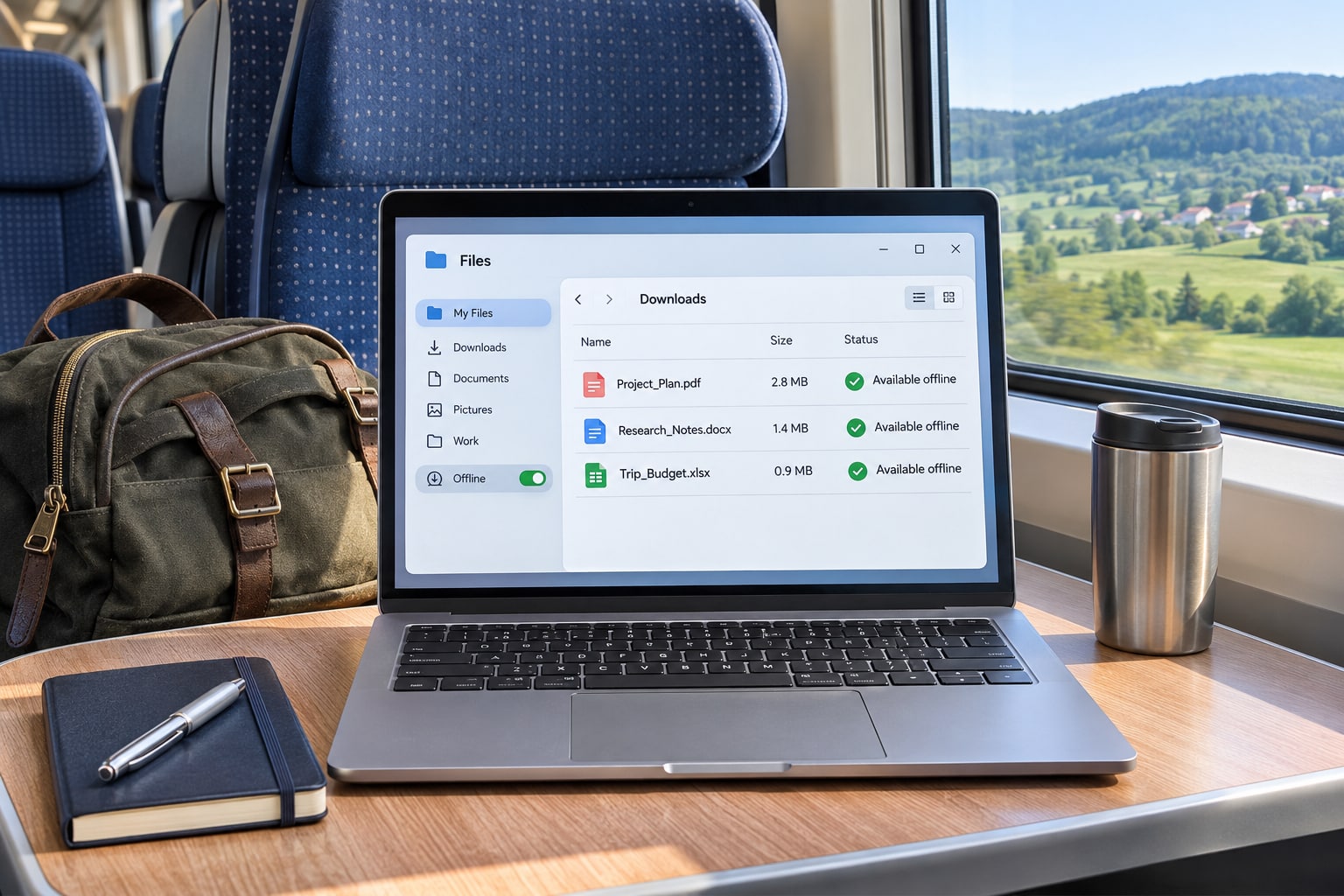
The folder is visible and the filename looks reassuring. Then your train enters a tunnel and the document will not open. A file appearing in Google Drive does not guarantee its contents are available offline. Preparation depends on storage mode and document type.
The Google Drive help page, checked November 15, 2026, distinguishes streaming from mirroring on computers and addresses Docs, Sheets and Slides separately. This is not a new storage announcement.
Check what is actually present
Streaming allows selected files to be made available offline; mirroring keeps local files. Streamed-file access requires the Drive application to run, including offline access.
Our recommendation is to select essential documents rather than an entire folder without review. Local copies consume storage, so prepare a defined set and inspect its contents.
A familiar filename or thumbnail is not an opening test. Choose a representative file and open it in the application you will use.
Prepare Google documents separately
Google points to the web offline workflow for Docs, Sheets and Slides. Making a PDF available does not prove a Google presentation has been prepared too.
Identify each document type first. Record whether you need to view or edit it, since those tasks may require different checks.
Prepare on the authorised device you will actually carry, rather than discovering the process on a shared machine immediately before departure.
Test before leaving
Our suggested exercise is to prepare a small set, temporarily disconnect and try the planned operations. Reconnect afterwards and check the work's status.
Keep a reference version when a result must be delivered. Local editing and completed synchronisation are separate states worth checking.
Google notes that disconnecting the account removes offline streamed files, unlike mirrored files. Do not treat that operation as harmless last-minute housekeeping.
Separate access from backup
An offline working copy does not prove an earlier version can be recovered after a mistake. Protect important documents according to your recovery needs.
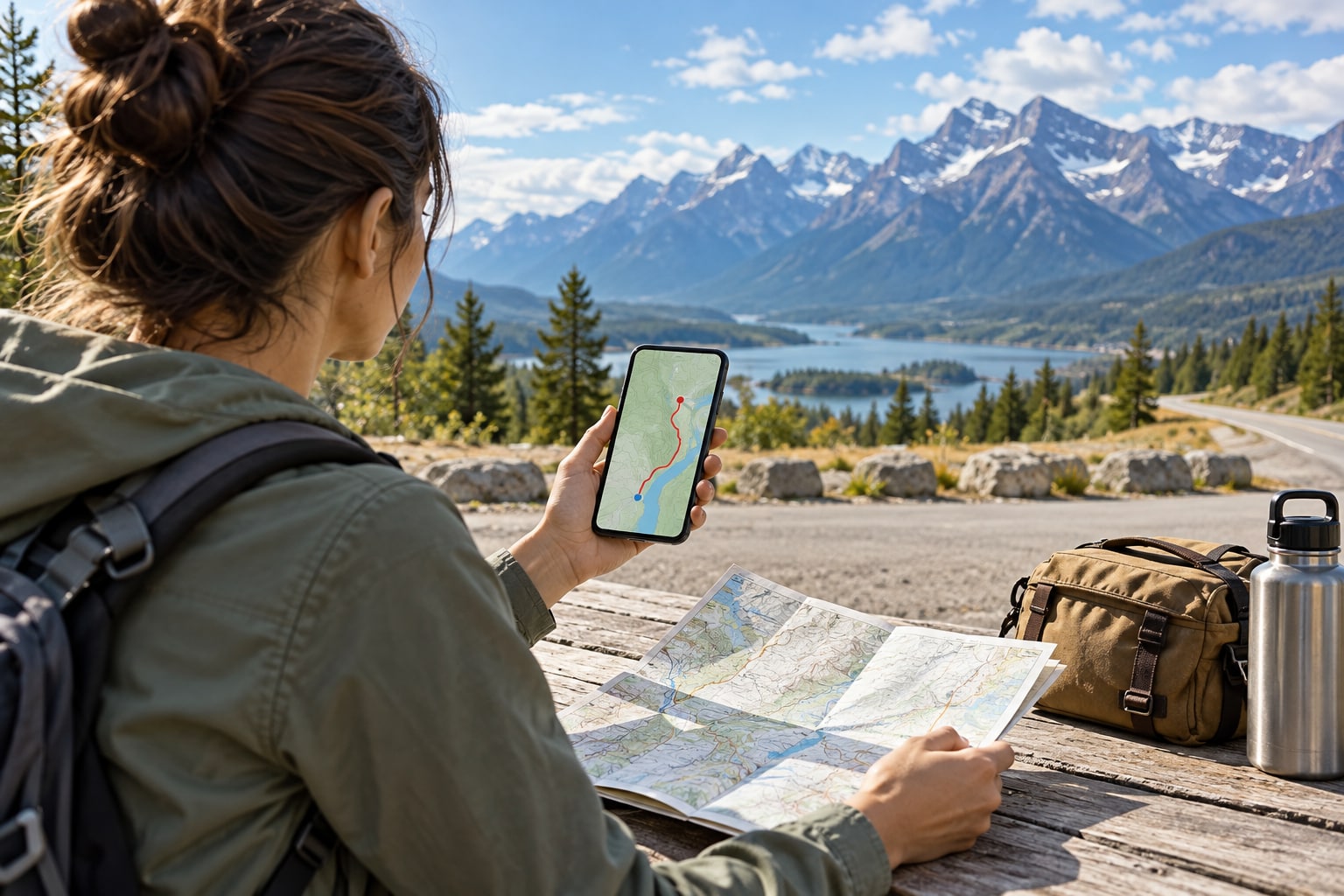
As with offline Google Maps, test before connectivity disappears. The objective is not a growing collection of copies, but a clear understanding of what will be usable.
Visual: generated editorial illustration, not an official screenshot.
Join the discussion
Comments
Loading comments…