

GitHub is previewing computer use in Copilot CLI and its macOS and Windows app. The agent can read accessible content, click, type and carry work across software without an API.
The short answer
| Question | Answer |
|---|---|
| How is it enabled? | Use /computer on in Copilot CLI or the app settings. |
| Does Copilot control everything immediately? | No. It asks for approval before controlling an application. |
| Can an organization block it? | Yes. An organization-managed setting can disable the feature. |
The graphical interface becomes a tool
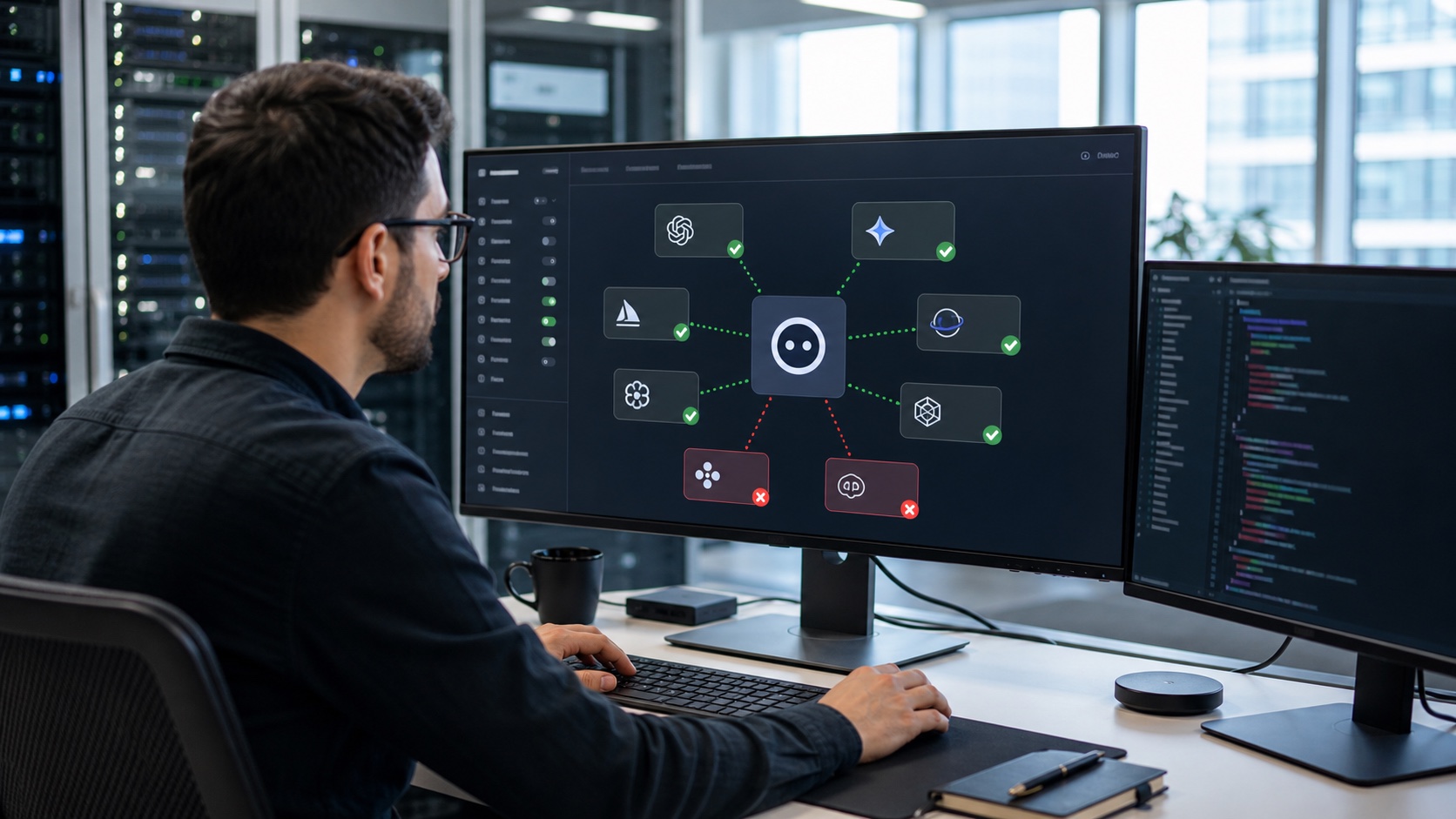
Agents have been most effective with terminals, APIs and MCP servers. Computer use expands their reach to forms, presentations and legacy applications. It combines accessible content with screen context to click, scroll, drag and type across heterogeneous workflows.
Approval does not replace boundaries
A request appears before control begins and users can reset apps they chose to always allow. Prompts should still state the outcome, involved apps and constraints such as an allowed folder, no final submission, a maximum amount or no deletion. A vague instruction can produce technically valid but inappropriate action.
Sensitive operating-system permissions
On macOS, Accessibility and Screen Recording provide broad visibility. Grant them only to the expected binary, review permissions after removal and avoid exposing unrelated secret-bearing windows. Organizations should test on a separate profile before real data is available.
Start with reversible tasks
Summarizing notifications, copying information or preparing a presentation is safer than sending a payment or changing production. Early evaluation should measure success, confirmation frequency and recovery from unexpected screens, not just time saved on a perfect path.


Join the discussion
Comments
Loading comments…