
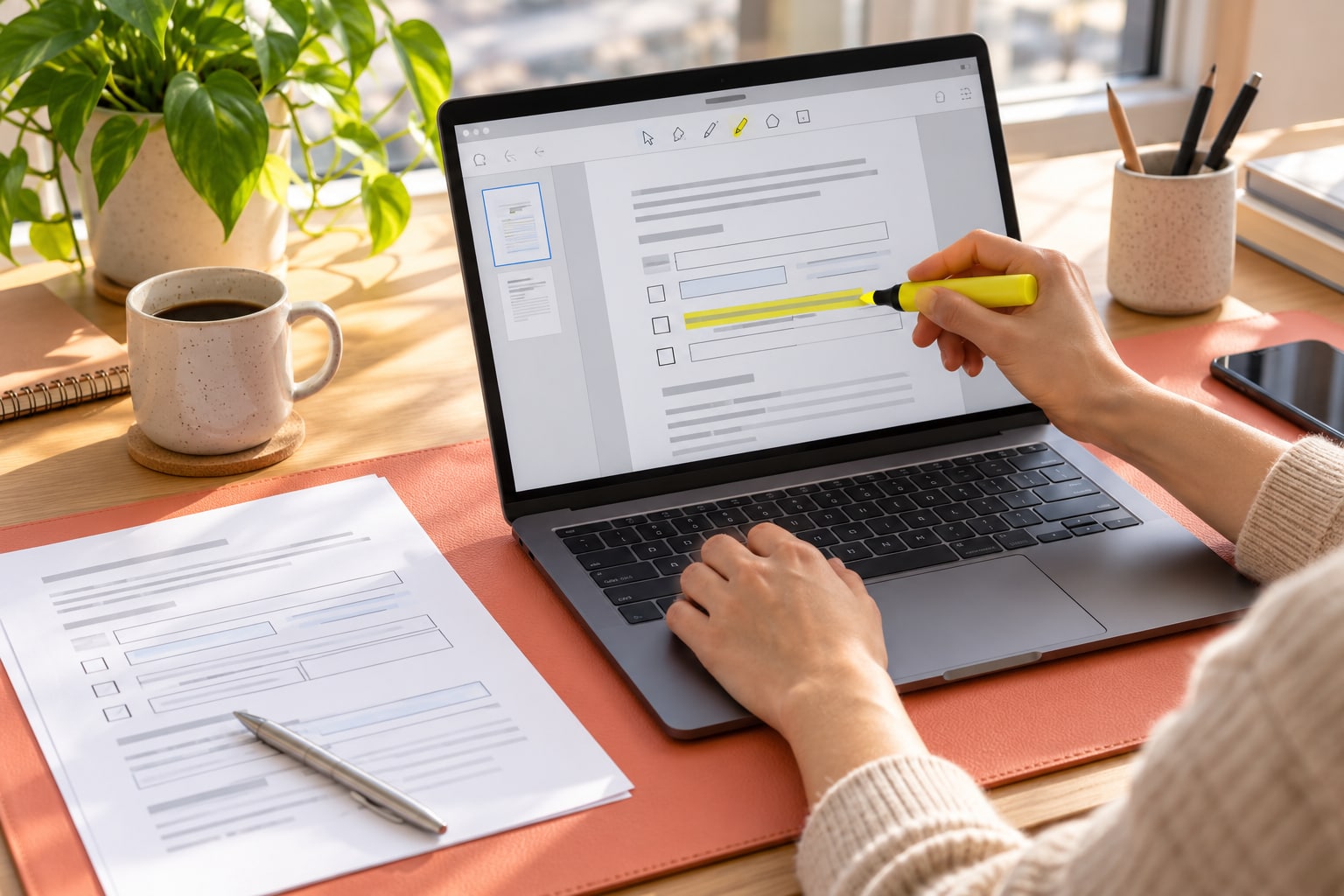
A PDF form arrives and a search result suggests uploading it to an unfamiliar website just to add three lines. Before sending it anywhere, check Firefox's built-in PDF viewer. The requirement may be simpler than it appears.
This practical article covers existing functionality. It does not promise identical support for every form or every recipient's administrative requirements.
Start with the available tools
Mozilla documents PDF viewing, compatible form fields and annotations including added text and drawing. The modified file then needs saving. Official help
Our advice is to experiment with a demonstration form before handling an important document. Identify which fields are interactive and which need annotation.
Preserve the original and name the copy
We recommend keeping the received file separately and naming the completed version clearly. Almost identical files become easy to confuse when one remains in Downloads and another sits on the desktop.
Choose a useful version name rather than a succession of files called final. The aim is to select the right attachment without hesitation tomorrow.
Do not delete the original while still learning how the form behaves. It can provide a clean starting point if an entry ends up in the wrong place.
Reopen the saved document
Our proposed check is straightforward: close the saved copy, reopen it from its folder and inspect every page. Check the text, accented characters and any annotation that could cover another piece of information.
Then inspect the attachment selected in the email client. The document on screen and the attached file are not necessarily the same copy.
For a submission with special requirements, follow the recipient's instructions. A visible annotation is not proof that every requirement has been met. If something remains unclear, establish the expected format before submitting the only copy you have prepared.
Avoid unnecessary external uploads
Ask what an online service would add before transmitting a personal document. A sufficient local tool may avoid another movement of information.
Following PDF improvements in Firefox 158, this remains a useful check from the reader's side: a capable tool does not remove the need to inspect the saved result.
The best time saving is not eliminating every check. It is having a short, repeatable process that creates the correct copy, keeps it easy to find and sends it to the intended recipient.
Make that process familiar on an unimportant file first. A little preparation reduces the temptation to upload sensitive material to the first service offering a convenient-looking button.
Cover: generated illustration; no real personal forms are reproduced.
Join the discussion
Comments
Loading comments…