
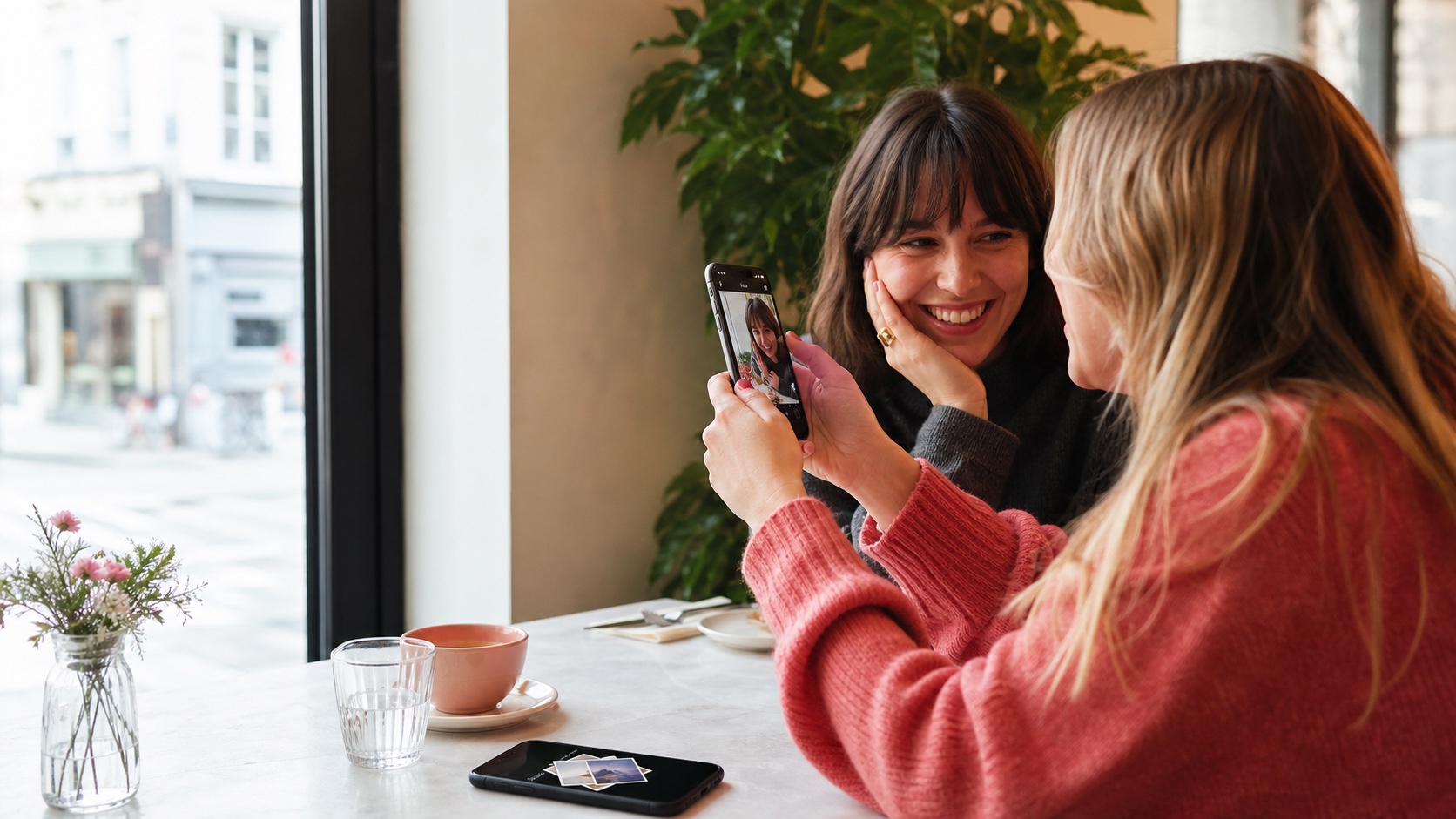
Instagram is rolling out Instants, a format for photos captured in the moment and sent to Close Friends or followers you follow back. An image cannot be imported from the gallery or edited before sending. It disappears after the recipient opens it and becomes unavailable after 24 hours.
The feature is available globally inside Instagram messaging. Meta also offers a separate Instants app on iOS and Android in selected countries. This return to a more immediate camera moves Instagram toward private, spontaneous exchanges, but disappearance on screen should not be confused with the absolute deletion of every piece of data.
The short answer
| Question | Answer |
|---|---|
| Where is Instants available? | In Instagram messages through the small photo pile, and in a separate app in selected markets. |
| Can users pick a gallery photo? | No. The picture must be captured when it is sent. |
| Can it be edited? | No, although a caption can be added. |
| Who can receive it? | Close Friends or followers whom the sender also follows. |
| How long is it visible? | It disappears after opening and cannot be viewed after 24 hours. |
| Does Instagram keep a copy? | Senders have a private archive that may retain their outgoing Instants for up to a year. |
A picture captured now, without gallery or filters
To send an Instant, users open Instagram messaging and tap the photo pile in the interface, or launch the standalone app where it is available. The camera opens directly. Instagram prevents photo-library imports and does not provide editing before sending, although a short caption remains possible.
The constraint is designed to reduce the distance between an event and its sharing. A user cannot select a carefully prepared older image or construct a post with several effects. The result behaves more like a private visual message than content intended for a public profile.
The absence of filters does not guarantee that a scene is authentic. A photo can be framed, staged or show another screen. Instants limits some preparation methods but does not verify the context or the actual date of what is placed in front of the camera.
Close Friends or mutual connections
The sender chooses between the Close Friends list and people who both follow them and are followed back. That scope is narrower than a public Story. Recipients can reply, react with an emoji or send an Instant in return, turning the image into a conversation.
Users should inspect their Close Friends list before the first send. It may have been created for Stories months earlier and still include people who should no longer receive a private photo. A mutual connection does not necessarily mean trust either: following someone back is enough to make them eligible.
Instagram applies its existing controls, including Block, Mute and Restrict. They can limit exchanges with a particular account. A user receiving unwanted content should also be able to report it, even when the picture no longer appears in the conversation after opening.
Gone after opening, archived for a year
For recipients, an Instant disappears after viewing and cannot be opened after 24 hours in any event. Meta also says recipients cannot take screenshots or screen recordings. Senders can quickly undo a message before the recipient sees it.
For senders, outgoing photos may remain in a private archive for up to one year. The archive can build a recap that is later published to Stories. Deleting a photo from the archive also unsends it for recipients who have not yet opened it.
These behaviors are not contradictory, but they change the meaning of ephemeral. The recipient loses ordinary access while the sender and service can retain elements for longer. Privacy policies, technical backups and legal obligations may also extend beyond what is visible in the app.
Screenshot prevention is not an absolute guarantee
Blocking screenshots reduces casual copying and discourages some behavior. It cannot stop someone from photographing the display with another phone, using a modified device or reproducing the information later. A sensitive image should therefore be treated as potentially copyable as soon as it is sent.
The relevant question is not “will this picture disappear?” but “what happens if someone keeps it?” Identity documents, passwords, precise addresses, intimate images and confidential work information should not be transmitted solely on the strength of a timer.
Encryption and message-processing policies must also be distinguished from an ephemeral interface. Meta does not present Instants as a vault or a secret-transfer tool. Its proposition is social spontaneity.
Undo, snooze and recap controls
Undo provides a short opportunity to recall a send before it is opened. It helps when the wrong group or person was selected, but it loses value as soon as the content is viewed. The audience should always be checked before the camera is triggered.
Snooze lets users pause incoming Instants from the photo pile in messaging. That setting avoids leaving a conversation or blocking someone simply because the stream of images becomes distracting.
The private archive can also combine several Instants into a recap for Stories. Moving from a restricted exchange to a wider publication should remain deliberate. Before posting, users need to inspect the people shown, recognizable locations and information visible in the background.
Teen protections carry over
Instants integrates with Instagram Teen Accounts and Family Center. A parent who already supervises the account does not need to enable a separate layer. Time spent in Instants counts toward the daily Instagram limit, while Sleep Mode silences notifications and restricts access by default between 10 p.m. and 7 a.m.
Blocking, restriction, filtering and reporting tools remain active. Meta also says a supervising parent is notified the first time a teenager downloads the separate Instants app.
These safeguards do not automatically show every outgoing image to a parent. They organize time and interactions without turning supervision into permanent access to conversations. Families still need clear rules about what can be photographed, how to respond to an uncomfortable request and which adult to contact when pressure occurs.
Instants, Stories or messages: which format fits?
A Story suits content available for a day to a defined audience and viewable more than once. A standard photo message is better when information must be found again. An Instant instead prioritizes immediate reaction through one capture and temporary viewing.
The format can share an amusing detail, quickly show a place or begin a conversation between friends. It is less suitable for an invitation, address, reference number or anything that needs to be reread. Ephemeral content can also create pressure to open it immediately; Snooze and muted notifications remain useful in that situation.
Instants gives Instagram a more intimate space inside an app increasingly focused on video, creators and recommendations. Direct capture may make some conversations simpler. It does not remove copying risks or the need to select recipients carefully. An ephemeral photo is still a photo sent to another person.

Join the discussion
Comments
Loading comments…