
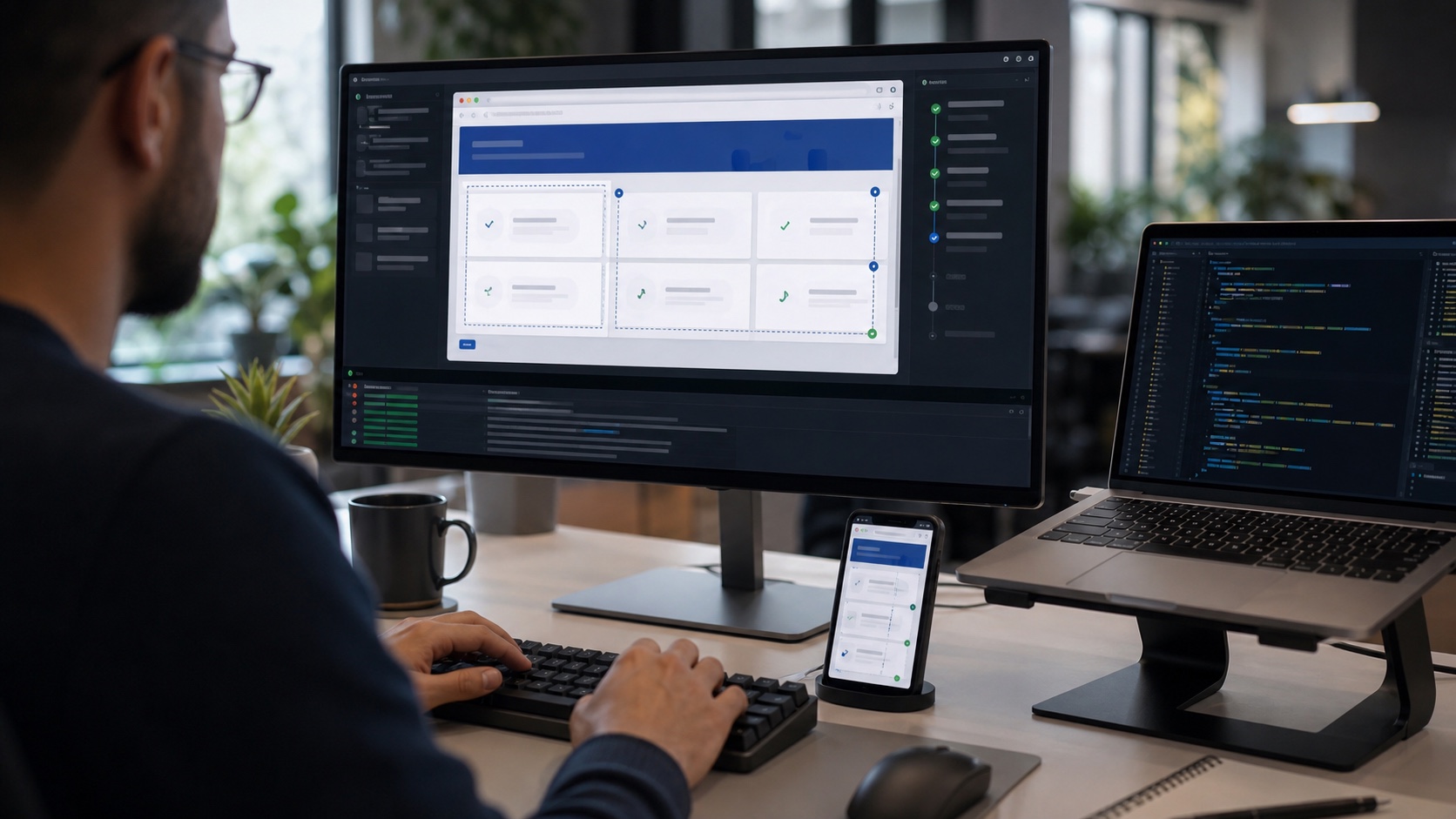
Browser tools for GitHub Copilot in VS Code change less about the developer's role than about the standard we should expect from coding assistants. An agent that changes an interface without seeing it remains fragile. An agent that can open a page, click, inspect console errors, capture an image and come back to fix its own change enters a much more useful loop.
GitHub says these browser tools are now generally available in VS Code. Agents can navigate an app, interact with elements, read errors and produce screenshots. That detail matters: the workflow is no longer only about generating plausible code, but about observing what the code does in a real browser.
The problem with invisible interfaces
Frontend development does not fit neatly into text-only validation. A change can compile, pass a unit test and still produce a broken interface: a button that is too narrow, a modal outside the viewport, weak contrast, a layout jump, truncated text, a missing loading state or a menu that cannot be reached by keyboard.
A classic coding agent can easily miss these issues, especially when it only sees files. It can reason about CSS, but it does not always perceive the result. Browser access adds a concrete step: the agent can load the page, follow the flow, observe the error and adjust.
That does not replace human review. It mainly reduces the obvious mistakes that happen when a fix is made without checking the rendered result.
What changes in the workflow
The best usage is not to say "redo this page" and wait for magic. The best usage is to provide an observable goal: fix the login form on mobile, verify that the table does not overflow, make sure search results respect the active language, reproduce a bug reported in an issue.
The agent can then work like a disciplined developer: start the local server, open the route, perform a few actions, inspect the console, take a screenshot and change the code. The value comes from the short loop between hypothesis and observation.
For teams, this raises the quality bar for tickets. A vague issue produces vague validation. An issue that describes the viewport, user role, expected result and edge cases gives the agent a much firmer target.
Automated tests still matter
The agent's browser does not replace Playwright, Cypress or integration tests. A screenshot in a pull request can be reassuring, but it does not guarantee the bug will not return. Automated tests remain the durable contract.
The right approach is to use the agent to explore and repair quickly, then turn what it learned into a maintainable test. If the issue is a layout regression, a targeted visual or Playwright test may be appropriate. If it concerns business logic, an integration or unit test is still the better fit.
The agent becomes a diagnostic accelerator, not a reason to reduce coverage.
Permissions and environment
GitHub also emphasizes controls. User-opened tabs remain private until shared with the agent, the agent's browser sessions are isolated, and sensitive permissions such as camera, microphone, location or clipboard reads remain under explicit user control.
In companies, administrators can also restrict reachable domains. That is essential. An agent that can browse the web should not become a free browser with access to the same sessions and data as a human user.
The practical rule is simple: give the agent the environment needed for the test, not the developer's entire digital life.
What teams should prepare
Frontend projects should document critical routes, start commands, test credentials, required viewports and basic scenarios. These artifacts help humans as much as agents.
Interfaces also need to be testable: accessible labels, predictable states, stable test data and components that do not resize unpredictably. The more structured the interface is, the more reliably an agent can inspect it.
Finally, code review should include evidence. A good agent-assisted pull request should contain the changes, the tests run, useful screenshots and known limits. The fact that an agent did the work does not change responsibility: validation remains human.
The signal for developers
Coding agents become more useful when they can see what they change. That is an important step for frontend work, where quality is not fully visible in the diff.
The discipline stays the same: clear ticket, reproducible environment, real verification, durable tests. The difference is that part of that loop can now be delegated without losing contact with the browser.


Join the discussion
Comments
Loading comments…