
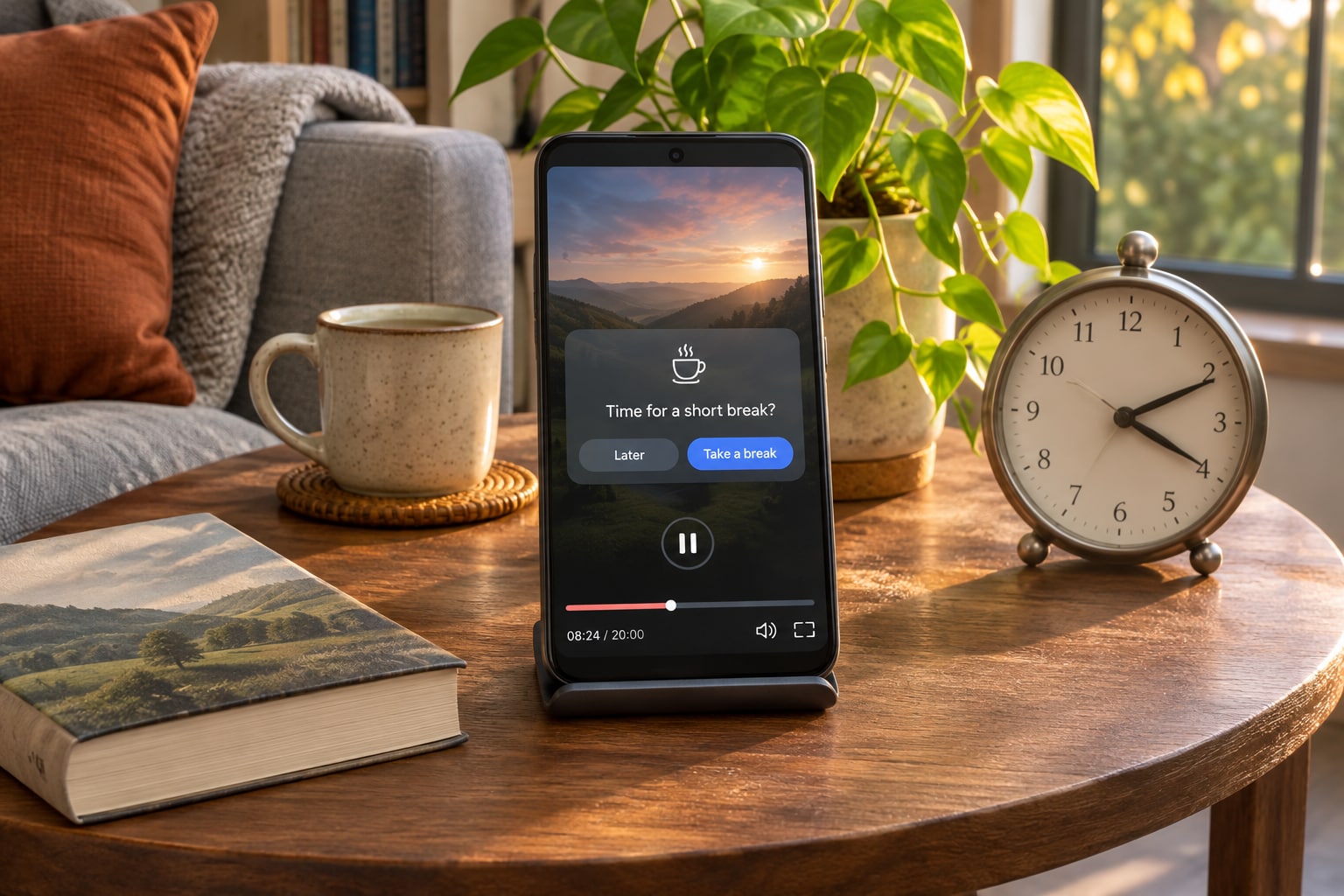
You open a video for a few minutes, then another follows. A reminder can make elapsed time more visible, but its name does not explain everything it stops. A YouTube break reminder is not a lock preventing further viewing.
Help pages distinguish break reminders from bedtime reminders. This practical article was checked on November 12, 2026. It does not present these settings as new or offer medical sleep advice.
Choose the intended reminder
Break reminders concern viewing duration, while bedtime reminders use a chosen time window. The documentation also describes a sleep timer for pausing video after a period.
State the need before looking for a switch: notice session length, mark a finishing time or stop playback. One control does not necessarily address all three.
Reminders can be dismissed or postponed. For parental controls or access restrictions, examine the account's appropriate facilities rather than assigning a reminder capabilities it does not advertise.
Check the device and account
The cited help concerns mobile applications. Labels and availability can vary by client; a choice made on a phone does not automatically establish coverage of a television and every other device.
Verify the active account, then run a brief low-stakes test. Observe what appears and how viewing resumes or closes.
For shared equipment, discuss changes with other users. A useful setting for one person does not necessarily match the whole household's routine.
Our recommendation is to keep the first adjustment simple enough to evaluate rather than enabling several overlapping controls at once.
Understand changes to the counter
YouTube notes that some session or device changes reset the break counter. Offline viewing and casting from a phone do not follow that counter in the same way.
Test your actual scenario instead of comparing only a theoretical duration. A missing reminder is not always evidence of a bug.
If prompts arrive too frequently or at the wrong time, reassess the requirement rather than accumulating notifications that will all be ignored.
Make review deliberate
Choose what you intend to do when the reminder appears: close the application, finish a section or simply notice elapsed time. The tool makes a decision visible; it does not make it for you.
This complements our YouTube history-and-recommendations article. Changing what is suggested and deciding when to stop are different activities.
The objective is an understandable, deliberate routine rather than another notification dismissed without reading. Review it after changing devices or household use, since an old successful test does not explain every new situation.
Cover visual: generated editorial illustration, not an official screenshot.


Join the discussion
Comments
Loading comments…