
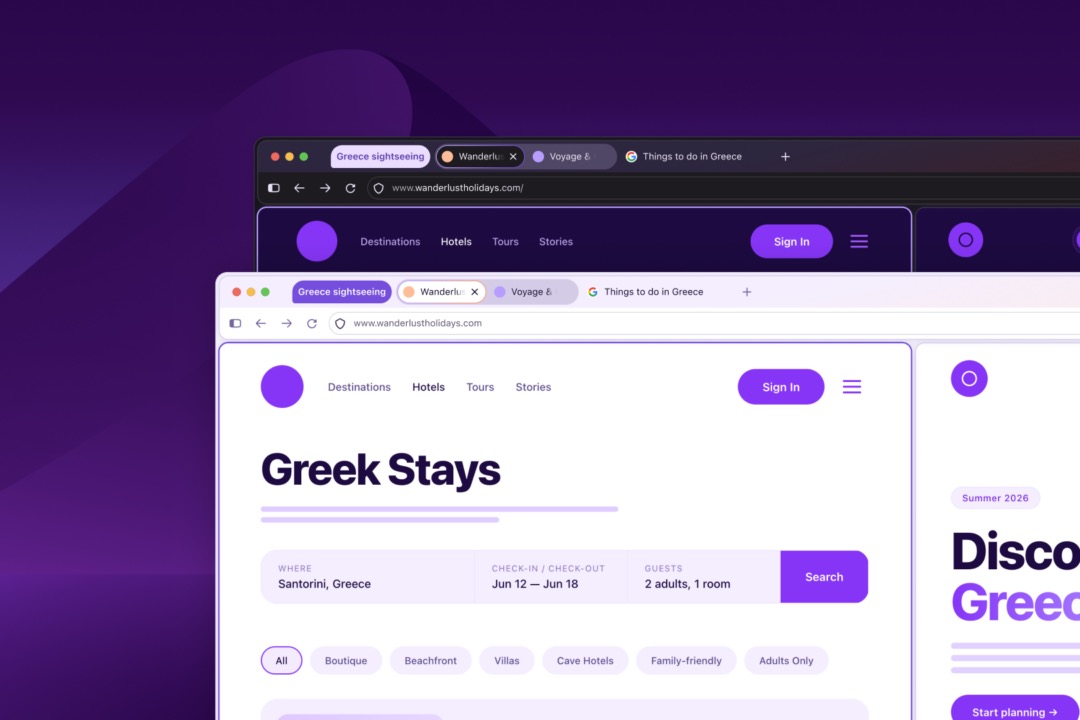
Mozilla is rolling out the new Firefox design across desktop and mobile. The update modernizes tabs, menus and icons, makes privacy features easier to reach and restores the compact mode requested by users.
The short answer
| Question | Answer |
|---|---|
| When is the design arriving? | The broad rollout began on September 29, 2026. |
| Is compact mode returning? | Yes, to reduce the space occupied by browser controls. |
| Can AI features be disabled? | Mozilla plans a global switch and controls for individual features. |
A visible evolution rather than a reset
Project Nova keeps the browser’s core landmarks while bringing its components into a shared system. Active tabs have more presence, panels use more consistent shapes and icons have been redrawn. Mozilla is mainly trying to make the interface easier to scan and evolve without forcing long-time users to relearn the entire browser.
Why compact mode matters
On a laptop, a few recovered vertical pixels can matter more than a decorative effect. Compact mode therefore answers a practical need: show more page and less browser chrome. Tab groups, split view and vertical tabs remain available, while each user can select a density suited to their display and workflow.
Privacy and AI controls become more explicit
Settings are intended to surface the built-in VPN, private browsing and Enhanced Tracking Protection more clearly. Mozilla also promises controls that disable AI features globally or one by one. The value of that promise will depend on clear choices, sensible defaults and an understandable explanation of data use when a feature is enabled.
What to check after updating
Because rollout is gradual, two current installations may not change on the same day. Once it arrives, review interface density, theme, sidebar and protection settings. Organizations should also test managed policies and extensions, even though this release primarily changes the experience rather than the web engine.



Join the discussion
Comments
Loading comments…